
Reference
Security and privacy
IntriFund holds health and money information. This page explains in plain words how people sign in, who can see what, and how we look after your data.
Ways to sign in
| Method | How it works | Good to know |
|---|---|---|
| Password | Your email and your own password (at least 10 characters). You choose it when you create an account. | Five wrong tries lock the account for 15 minutes. Passwords are stored as a one-way hash, never in plain text. |
| Wallet | Your crypto wallet signs a one-time message. This proves the wallet is yours. | Signing is free and moves no money. The message names this site and expires. |
| Email code | We send a six-digit code to your email. You type it in. | Available once email sending is switched on. The code works for 10 minutes and allows 5 tries. A new code cancels the old one. We keep only a scrambled copy of the code. |
| Text message code | Same as an email code, sent by SMS. | Only for phone numbers you have confirmed, and only when switched on. |
Sign-in answers look the same whether or not an account exists, so nobody can use the page to find out who is registered. A session lasts while you use the site, and you can sign out from the menu at the top right.
New here? The sign-in page shows a box called I am new next to the sign-in form. It sends a donor to Create a donor account, a clinic or hospital to Become a partner, and a person who needs care to Apply to be a beneficiary. Managers do not see it, because IntriFund sets up manager accounts itself.
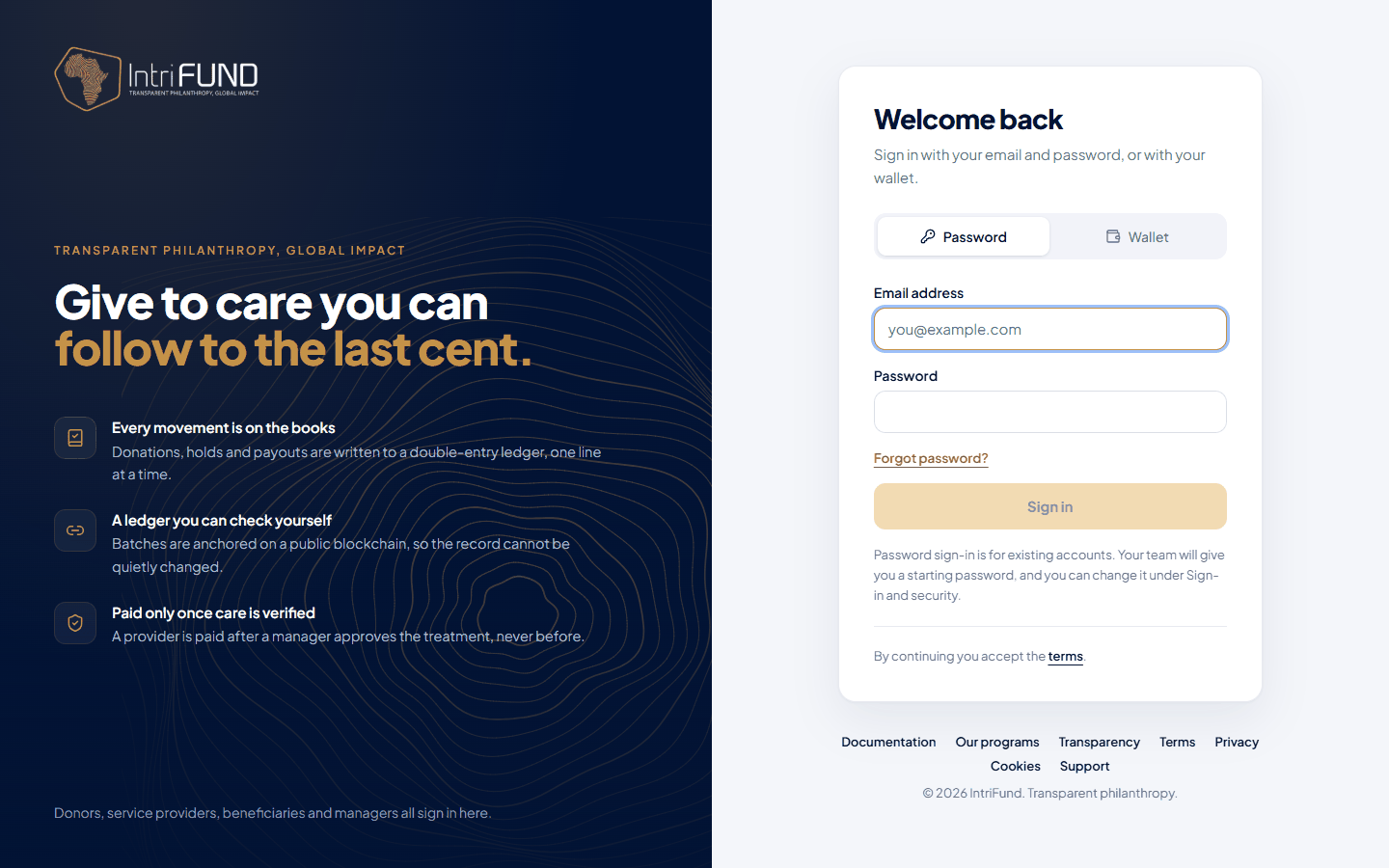
Forgot your password
Press Forgot password? under the password box. There are three ways back in. Which ones you see depends on whether email is switched on.
- An email code
- Once email is live, enter your email address and we send a six-digit code. It works for 10 minutes. Enter it, then choose a new password. If your account uses an authenticator app, you are also asked for a code from the app.
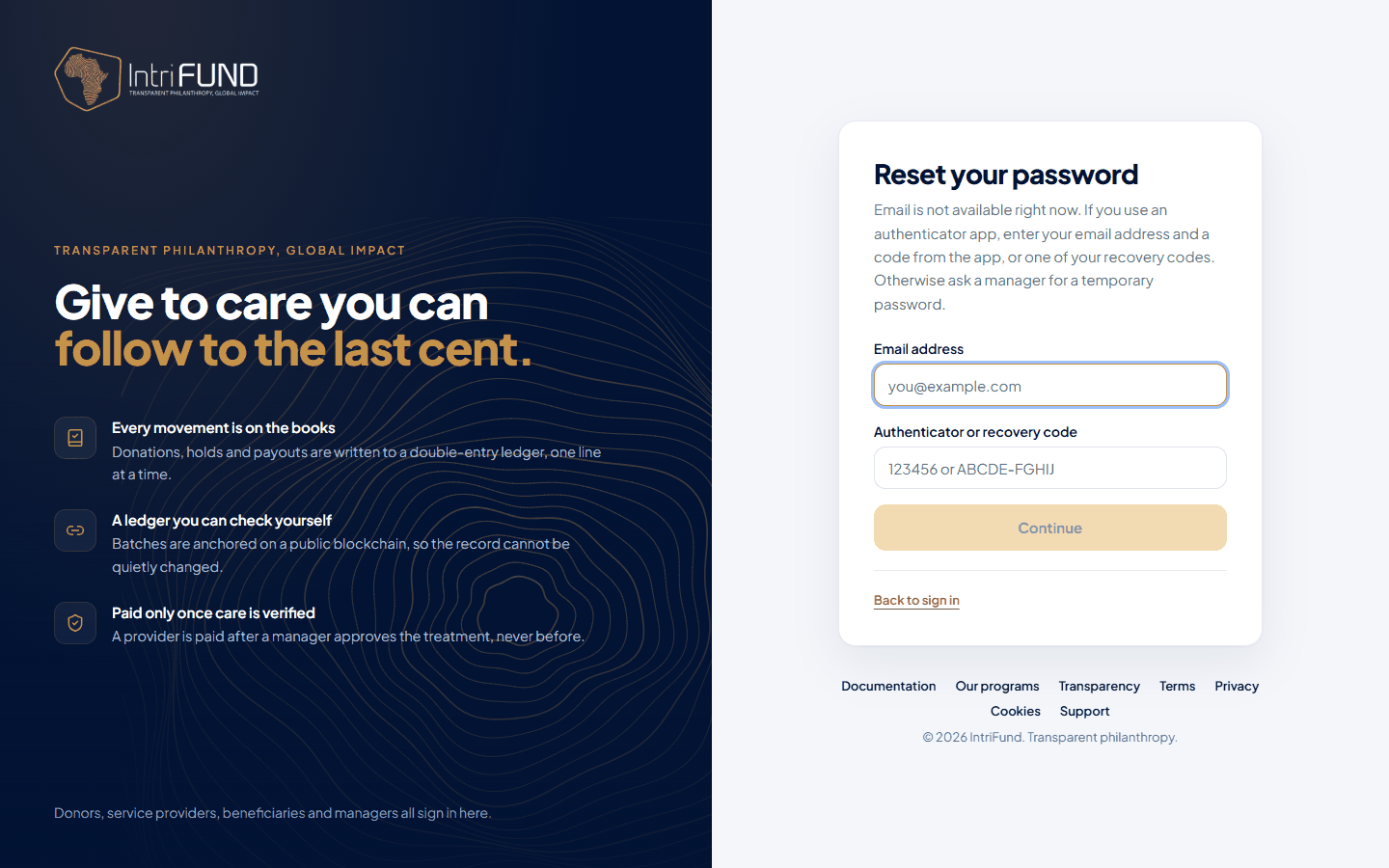
- Your authenticator app or a recovery code
- Enter your email address and the six-digit code from your app, or one of your recovery codes. No email is sent, so this works even when email is off.
- A temporary password from a Manager
- If you have neither, ask a manager. They give you a temporary password that works for 24 hours and for one sign-in. It only opens a page where you choose your own password.
Authenticator app
You can add a second check with an authenticator app such as Google Authenticator. Open Sign-in and security from the menu at the top right and follow the steps.
- At sign-in
- After your first check (code, password or wallet), you type the six-digit number from the app. Until you do, you are not signed in to anything.
- Recovery codes
- Eight single-use codes are shown once when you set the app up. Print them or save them somewhere safe. Each works one time if you lose your phone.
- Too many wrong tries
- Five wrong app codes lock the second step for 15 minutes.
What clinics can see
A clinic that checks your cover is told only what it needs to treat you:
| Clinics can see | Clinics cannot see through a check |
|---|---|
| Your name, date of birth and Member ID. Whether you are verified. Your cover: program, dates, coverage percent. Whether a service is covered. | Your photo, phone number, email address, home address, national ID, income or the documents you uploaded. |
Clinics cannot create or change members, and a clinic can see cover only for members it has checked. Your medical information in your application is visible to IntriFund staff and to the clinics you visit for care. Doctors’ phone numbers, emails and licence numbers are never shown to members or managers.
Checks are limited to prevent snooping: a clinic must give two identifiers, can make only 60 searches in 10 minutes, and every search is logged (without names or dates of birth).
How we handle data
- Sessions. Your session is a signed token kept in a cookie that scripts on the page cannot read. See the Cookie Notice.
- Documents and photos are kept in private cloud storage. They are fetched with links that expire (about an hour) and only for people allowed to see them. Uploads are checked for type and size.
- Secrets are encrypted. Authenticator-app secrets and accounting connection tokens are encrypted at rest. They are not shown in the app or written to logs.
- Payments. Card payments are handled by Stripe. We never see or store your card number.
- Access is limited by role and by program. Each portal can read only its own records, and the server checks this every time, not just the screen.
- Accounting links send amounts and references, never patient names or Member IDs.
- ID scan and face check are optional. A member can scan an ID to fill in the application and compare a photo with it. Both need agreement each time, and neither can block an application. The images and the scanned text are not kept. While the service is in test mode, the details it returns are sample data. See Members and the Privacy Policy.
- Statements are branded, not secret. The PDF statements carry the IntriFund logo, and a clinic’s own logo when it has uploaded one. Donor statements are marked confidential.
What is on the blockchain
Batches of ledger lines are published to a public blockchain so nobody can quietly change the money history. What goes there: amounts, the type of movement, and account codes. What never goes there: names, contact details, Member IDs, diagnoses or any health information. Because a blockchain cannot be edited, we deliberately keep personal data off it. See Blockchain and tokens for how you can check an entry yourself.
Your responsibilities
- Keep your password and recovery codes private. IntriFund staff will never ask for them.
- Give your Member ID to clinics, and your date of birth to prove it is you. Do not post your card online.
- Tell us quickly if you lose your phone or think someone has used your account.
- Report anything suspicious to support (see FAQ and support).
Read the full Privacy Policy for your rights, including how to ask to see or correct your information.